

3 min read
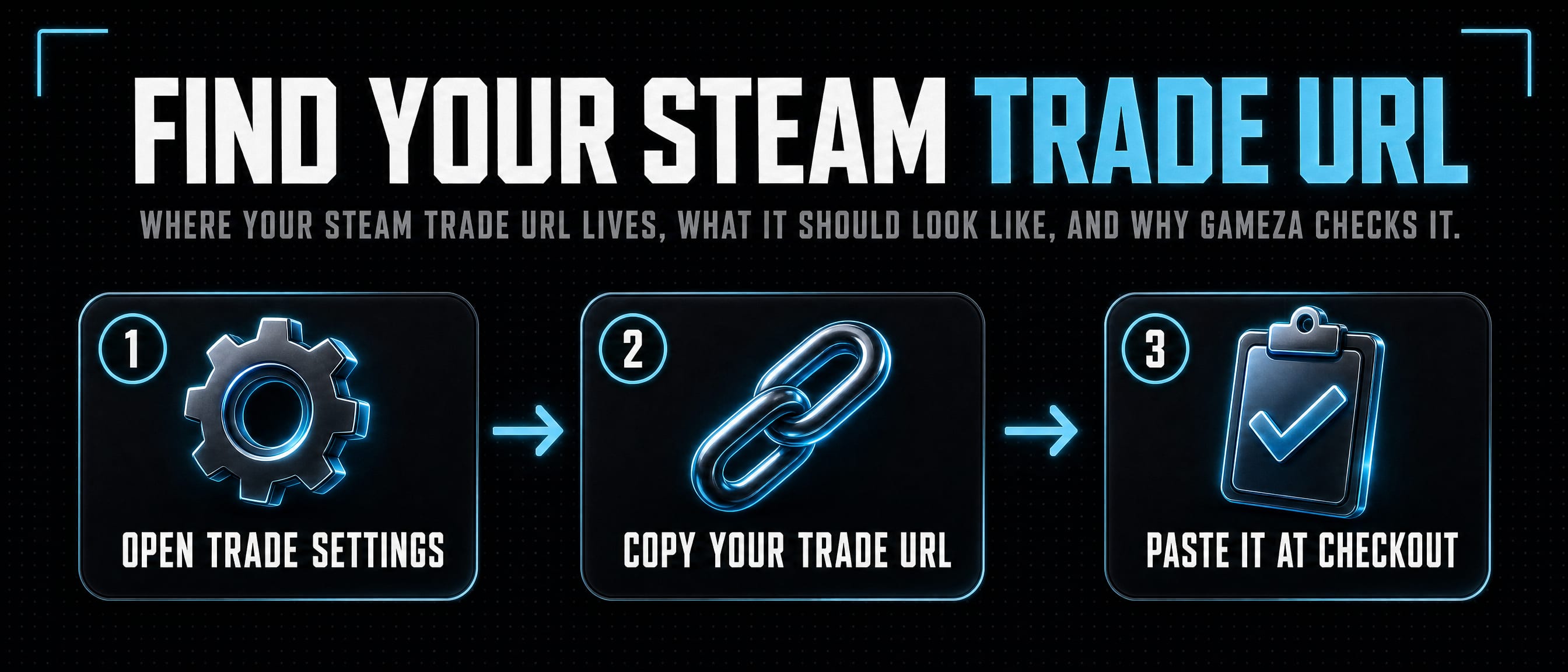
How to find your Steam trade URL
Where your Steam trade URL lives, what it should look like, and why Gameza checks it.
Where to get it
Open Steam, go to your Inventory, then Trade Offers, then the page that controls who can send trade offers. Steam shows your third-party trade URL there.
The URL normally starts with steamcommunity.com/tradeoffer/new and includes a partner number plus a token. Copy the full URL, not only the token.
Why Gameza asks for it
A trade URL lets our bot send an offer directly to your account without asking you to add the bot as a friend first.
Gameza stores the normalized URL and the Steam account it belongs to. If the URL belongs to a different Steam account than the one signed in, delivery is blocked.
Keep it private
Your trade URL cannot sign into your account, but it can let people send offers to you. Treat it like a delivery address and only paste it into services you trust.
If a URL has been shared somewhere unsafe, generate a fresh one in Steam before placing an order.
Sources
Ready to see a price?