

3 min read
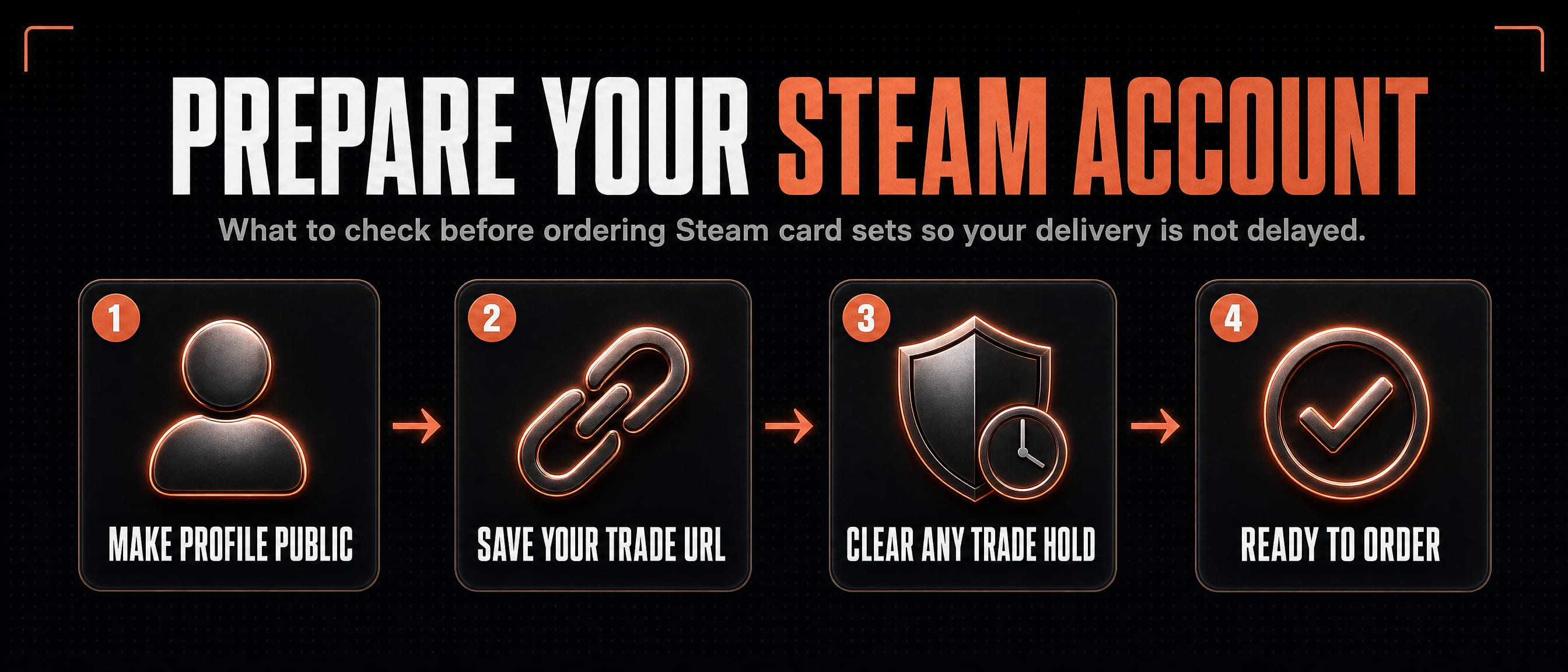
Prepare your Steam account
What to check before ordering Steam card sets so your delivery is not delayed.
Set your profile public
The calculator needs to read your level and badges from Steam. If your profile or game details are private, the bot cannot know what sets are usable.
You do not need to reveal your password or give account access. Steam sign in only proves which account is yours.
Save the right trade URL
Your trade URL lets our bot send an offer without being on your friends list. Gameza checks that the URL belongs to the same Steam account you signed in with.
If the URL belongs to another account, we reject it before any delivery starts.
Avoid trade holds
Steam can hold trades when mobile authentication is not ready. Holds slow delivery because the cards do not reach your inventory immediately.
Set up Steam Guard Mobile Authenticator before ordering if you want the fastest path.
Sources
Ready to see a price?