

6 min read
How to sell TF2 keys for crypto, safely
What a TF2 key is actually worth in cash, how to get paid in USDT or USDC instead of Steam Wallet funds, and the trade scams to know before you send anything.
Why people sell keys for crypto rather than on the market
A Mann Co. Supply Crate Key can be listed on the Steam Community Market, and that is the obvious route. The catch is what you get: Steam Wallet funds. Wallet funds can buy games and items, and that is all they can ever do. Valve does not convert them back to money, and there is no withdrawal button anywhere in Steam.
The market also takes a cut on the way through, split between Steam and the game, so the figure on a listing is not the figure that reaches your balance.
Selling the key to a buyer who pays outside Steam is the only way the value leaves the platform. That is the entire reason a cash market for keys exists alongside the official one, and it is why a key trades at a different number in each place.
Get your account able to trade first
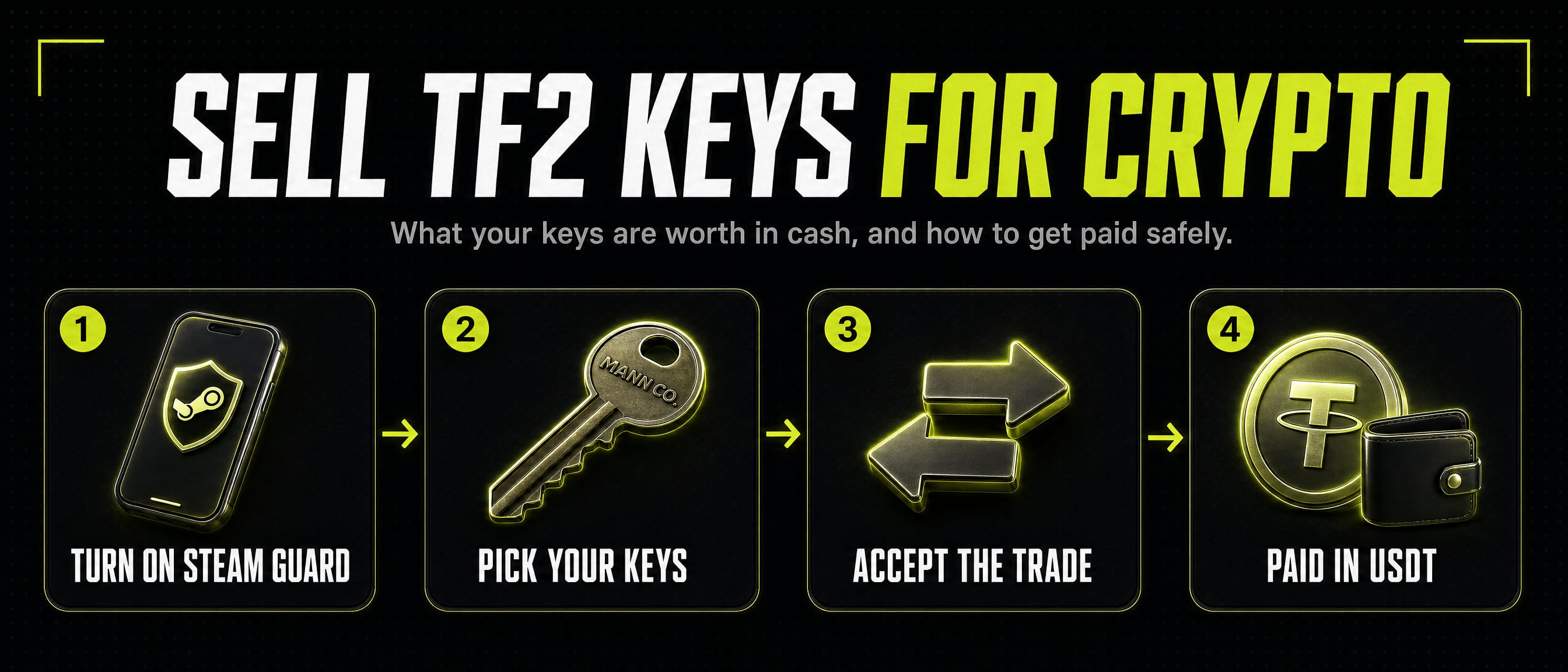
The single thing that ruins more key sales than anything else is a trade hold. Without the Steam Guard Mobile Authenticator active on your account, Steam holds traded items for up to fifteen days before they reach the other side. No buyer wants to pay now for goods that land in a fortnight, so most will simply decline.
Turn the mobile authenticator on and leave it on. Steam requires it to have been active for several days before holds are lifted, so this is something to do before you want to sell, not on the day.
Your inventory also has to be public for anyone to price what you are holding, and the account has to be past Steam's limited-account restrictions.
The scams, and what each one actually looks like
Impersonation is the common one. Someone copies the name and avatar of a known trader or a site's staff, messages you first, and offers to handle the trade personally. Real desks do not need to add you on Steam to buy a key. Start the trade from the site yourself rather than from anyone's message.
Fake login pages are the expensive one. A link opens something that looks exactly like the Steam sign-in box, sometimes drawn as a fake browser window inside the page itself. Check the address bar of the real window: a genuine Steam sign-in is on steamcommunity.com and nowhere else. A site using Steam's official sign-in never sees your password at all, because you type it on Steam's own page.
The API key attack is the quiet one. If somebody already has access to your session, they can register a Steam Web API key on your account and use it to cancel the offer you meant to accept, putting a near-identical one in its place that goes to them instead. Check steamcommunity.com/dev/apikey occasionally: a key registered there that you did not create is a sign the account is compromised, and it should be revoked and the password changed.
The overpay is the oldest one. Anyone offering well above the going rate is not being generous, they are buying your attention while some other part of the trade is switched.
Reading the trade offer before you accept
Open the offer from the Steam client or from steamcommunity.com yourself rather than from a link you were sent, so you know you are looking at the real one.
Then read the two sides rather than the summary. Check the item names in full: several items are named to look like a Mann Co. Supply Crate Key at a glance and are worth a fraction of one. Check the quantity on both sides, and check that the account sending it is the one you expect.
If a page has told you what the offer will contain, it should match exactly. Anything that differs is a reason to decline and ask, not to accept and sort it out afterwards.
Being paid in USDT or USDC
Stablecoins are the practical settlement for this because they hold a dollar value between the moment a price is agreed and the moment the payment lands, which an ordinary crypto asset does not.
You will need a wallet address of your own on the network being paid out. The address is yours, the coins arrive in it directly, and no third party holds them on your behalf. Check the network as carefully as the address: the same address exists across several chains, and coins sent on a network you are not watching are not lost but are a nuisance to recover.
Expect a small network fee to be covered somewhere in the payout. That is the cost of moving the coins, not a commission on the sale.
Why Gameza asks for a Steam API key, and why it is not the attack above
Our key store offers to read your inventory so you can pick the keys you are selling from a grid rather than typing a number. Steam only lets an inventory be read with a key belonging to that same account, so it asks for yours.
That key is read-only for this purpose. It cannot sign in to your account, it cannot change your password, and it cannot move an item on its own: accepting a trade offer still happens in your own Steam client or app. You can revoke it at steamcommunity.com/dev/apikey whenever you like, and the store works without one.
This is a genuinely fair thing to be suspicious about, which is why the page says the same thing next to the box rather than only here. The danger in the attack described above is a stolen session, not the existence of a key.
The short checklist
Mobile authenticator on and settled. Inventory public. Price agreed before anything moves. Trade offer opened by you, from Steam, and read item by item. Payout address and network checked twice. Nobody who messaged you first handling any part of it.
Sources
See what your keys are worth
One flat price for everyone, shown before you sign in or send anything.